




How to make mobile check deposits
-
Sign in to the Bank CMG mobile banking app.
Close any other apps running in the background before getting started. Don't have the app yet? Download for iPhone here. Download for other phones here.
-
Select "Mobile Deposit" and choose your account.
Select the account where you would like the funds deposited.
-
Enter the check amount.
Carefully enter the full amount shown on the check, including the decimal.
-
Endorse the check.
Sign the back of the check and write “For Mobile Deposit Only.” For business deposits, the check must be payable to the business receiving the funds.
-
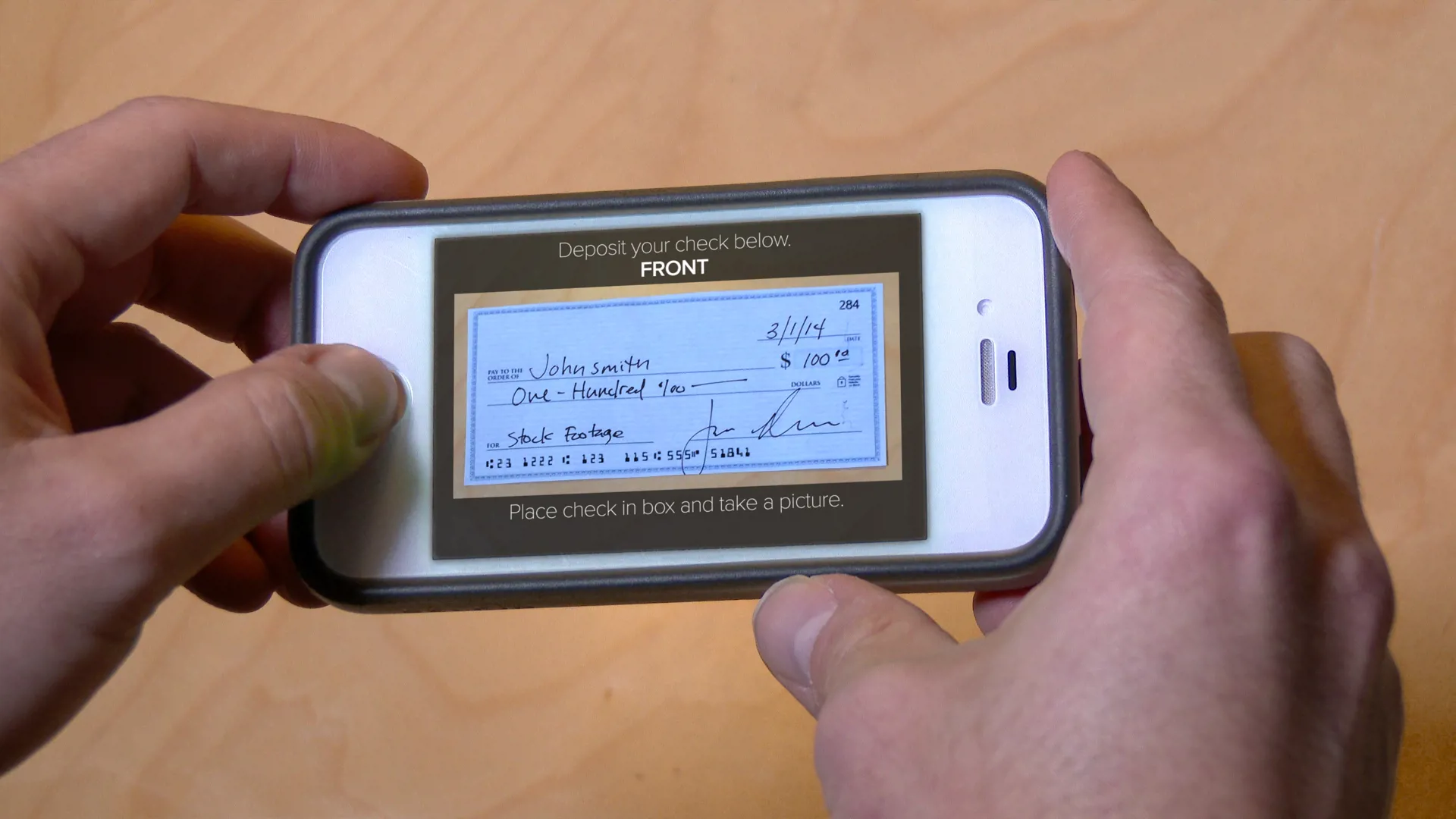
Take a photo of the front and back of the check.
Flatten any folds or wrinkles and place the check on a solid, dark background. Keep the entire check within the camera viewfinder. The app will take the photo when a clear image is detected and prompt you to flip the check when needed.
-
Review and submit your deposit.
Confirm that the account, check amount, and check images are correct before submitting.
-
Check your account for the posted deposit.
Your deposit is complete once the transaction has posted to your account. Deposits received by 4:00 p.m. CST on a business day may be considered for current-day deposit.
-
Keep the original check for 14 business days.
After 14 business days, securely destroy the check.
Amount limits for mobile check deposit
- Maximum amount per deposit transaction: $5,000
- Maximum amount per day: $10,000
Deposit limits may vary per individual
Frequently Asked Questions
We’re here to help! Find answers to your everyday banking questions.
Your deposit may be rejected if the image is unclear, the check is not properly endorsed, or the amount entered does not match the amount written on the check.
Mobile check deposit limits are:
- $5,000 per transaction
- $10,000 per business day
Deposit limits may vary by individual account.
Deposits submitted before 4:00 p.m. CST on a business day are considered for same-day processing. Deposits submitted after this time may be processed the next business day.
After depositing your check, keep the original check for 14 business days.
After that time, securely destroy the check.
You will receive a confirmation through the mobile app once your deposit has been successfully submitted and accepted for processing.