


Digital wallet overview
A digital wallet is a secure way to store your debit or credit card information on a compatible smartphone or other device so you can make purchases without taking out your physical card. After adding your card information to a digital wallet such as Apple Pay, Google Wallet, or Samsung Wallet, you can use your device to make contactless payments at participating stores, restaurants, and other businesses. Simply hold your phone or device near the payment terminal and follow the prompts to complete your purchase.
Highlights
Digital wallet highlights
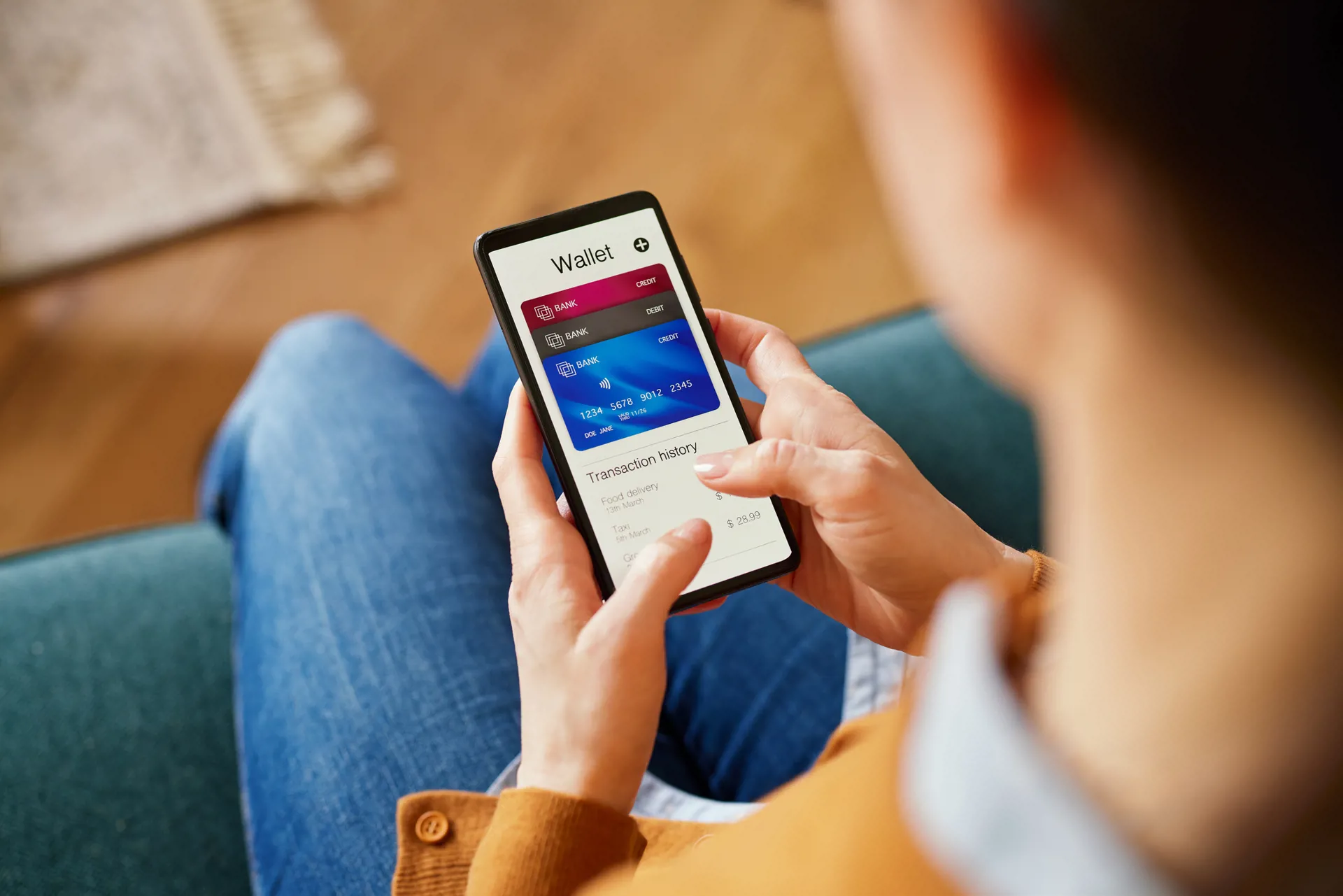
Digital wallet benefits
- Quick, contactless payments: Simply hold your phone or compatible device near the in-store payment terminal to pay without swiping or inserting your physical card.
- Your card stays in your wallet: Make purchases even when you don't have your physical debit or credit card handy.
- Convenient online checkout: Use your digital wallet to pay at participating websites and within apps without entering your card information each time.
- Multiple cards in one place: Store eligible debit and credit cards on one device and select which one you want to use when you pay.
- Easy access: Your payment methods are available right from a device you already carry with you every day.
Step-by-step digital wallet set up
- Open your mobile wallet app (see below)
Most smartphones already have a mobile wallet installed, like Apple Pay, Google Wallet, or Samsung Wallet. Look for it on your device or download it from your app store if needed. - Add your card
Follow the prompts in the app to add your card. This usually takes just a few minutes. - Verify your information
For security, you may be asked to confirm your identity with a code sent to you.


Frequently Asked Questions
We’re here to help! Find answers to your everyday banking questions.
A digital wallet is a secure way to store your eligible debit or credit card information on a smartphone, smartwatch, or other compatible device. It allows you to make purchases without having to use your physical card.
Once you add an eligible card to your digital wallet, you can use your compatible device to make purchases. At stores that accept contactless payments, simply hold your device near the payment terminal and follow the prompts to pay.
Digital wallets include security features designed to help protect your payment information. Depending on your device, you may also be required to verify your identity using a passcode, fingerprint, facial recognition, or another authentication method before making a payment.
You can use a digital wallet at many stores, restaurants, and other businesses that accept contactless payments. Many websites and mobile apps also allow you to select a supported digital wallet when checking out.
Yes. Once an eligible debit or credit card has been successfully added to your digital wallet, you generally do not need to have the physical card with you to make a digital wallet purchase.
Open your preferred digital wallet on your compatible device and follow the instructions to add a new payment card. You may be asked to enter or scan your Bank CMG debit card information and complete additional verification.
You need a smartphone, smartwatch, or other device that supports your chosen digital wallet and its payment features. Availability and functionality can vary by device.
Digital wallet providers generally do not charge consumers a fee simply for using their wallet to make purchases. Standard account, card, data, or other applicable charges may still apply.
Yes. Most digital wallets allow you to add multiple eligible debit and credit cards and choose which card you want to use when making a purchase.
Yes. Adding your debit card to a digital wallet does not replace your physical card. You can continue using your physical card as usual.